
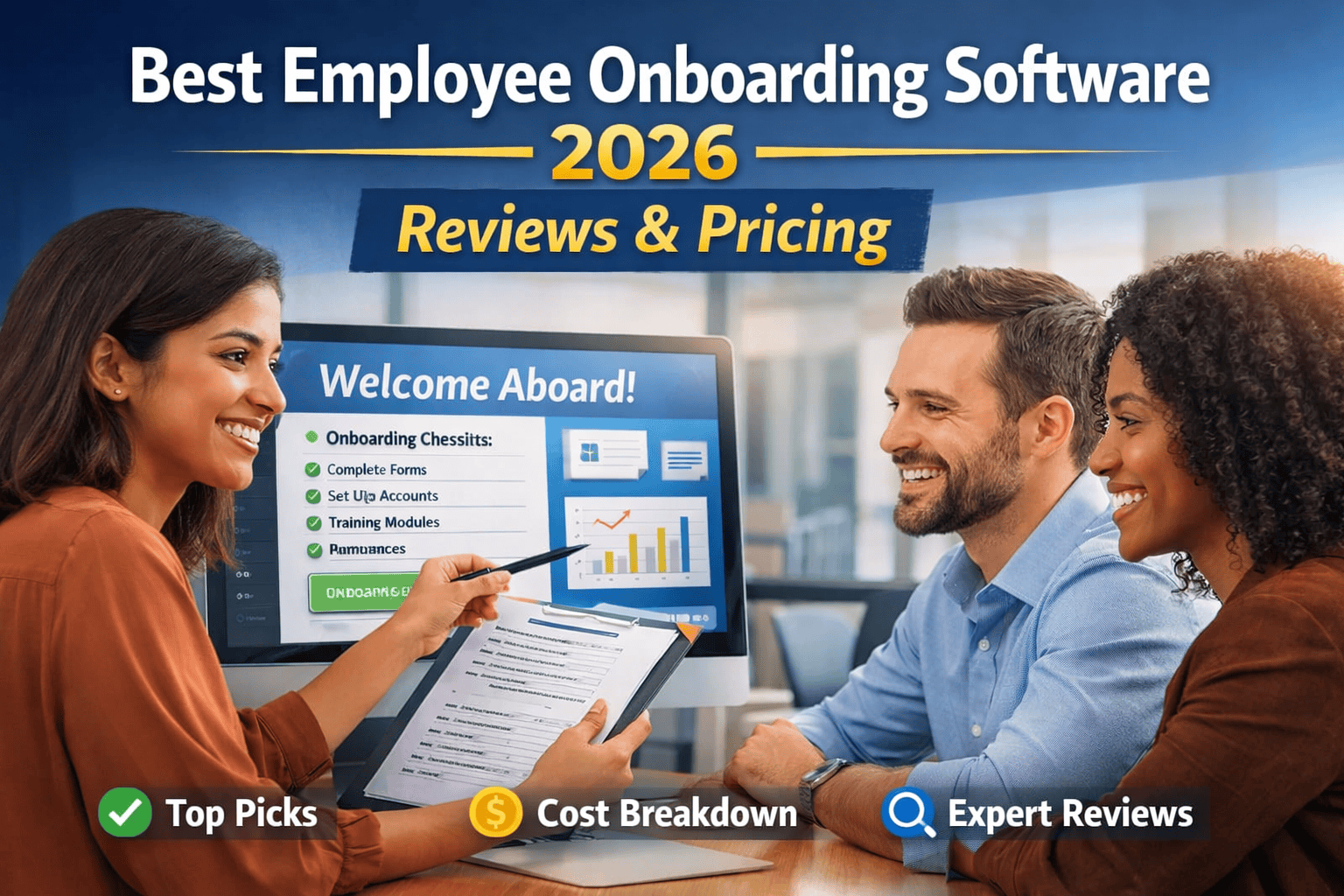
Most companies lose new hires not because of salary — but because of what happens in the first 30 days. I’ve implemented onboarding systems across 40+ organizations spanning the US, Germany, and UAE. The pattern is always the same: bad onboarding is rarely about malicious intent — it’s about the absence of a system. And in 2026, the best employee onboarding software finally gives HR teams the structure to fix that, without requiring a 12-month implementation project.
This guide is not a vendor brochure. I’ll tell you what each platform actually does well, where it falls short, what it really costs after add-ons, and which type of company should use each one. By the end, you’ll know exactly which tool fits your situation — no sales call required.
What Is Employee Onboarding Software?
Employee onboarding software is a platform that manages the structured journey of taking a new hire from offer-accepted to fully productive — automating paperwork, task assignments, training delivery, and compliance tracking along the way.
The basics haven’t changed much: digital document signing, task checklists, role-specific training modules, IT provisioning triggers, and integration with your payroll or HRIS. What has changed in 2026 is the AI layer sitting underneath all of that — tools like Rippling and Workday now generate personalized onboarding paths based on role, department, and location without any manual configuration.
Here’s the thing — the best onboarding software isn’t about features. It’s about whether your managers actually use it. I’ve seen $80,000/year enterprise platforms collecting dust because the UI was so complex that line managers routed around it. A clean, usable $8/month tool that gets used consistently will always outperform a sophisticated one that doesn’t.
Insider View:
After 17 years working on HR tech implementations, the single biggest predictor of onboarding software success isn’t the feature list — it’s manager adoption rate. If your middle managers aren’t completing their onboarding tasks inside the tool, the system has failed, regardless of how expensive it was.
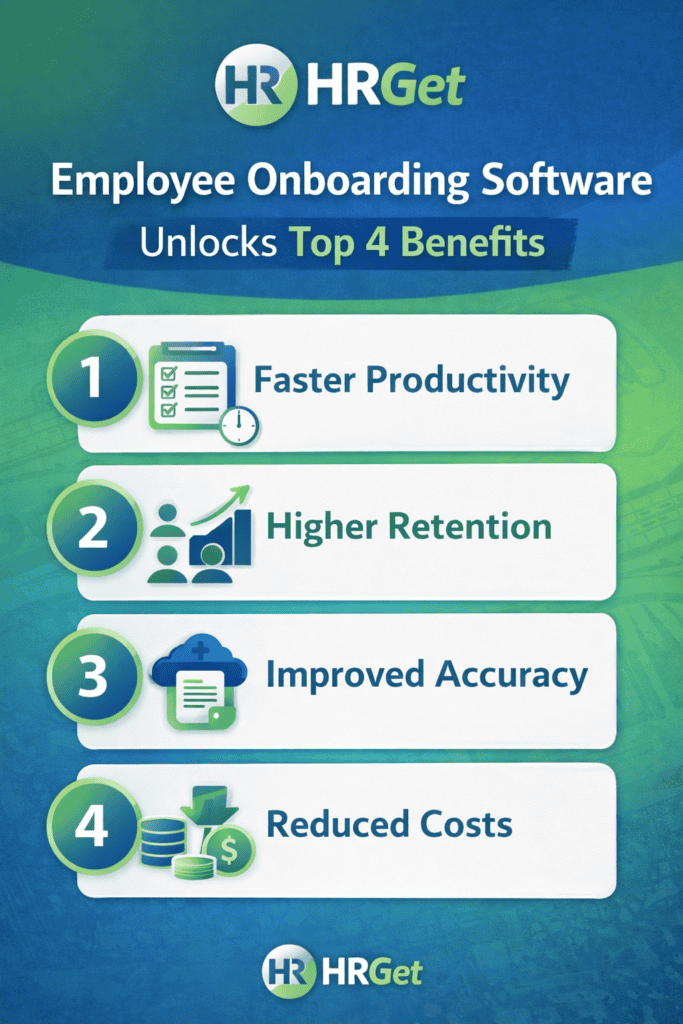
Who Actually Needs Onboarding Software (And Who Doesn’t)
Let me save you some time. Not every company needs a dedicated onboarding platform in 2026.
You genuinely need it if: you’re hiring more than 8–10 people a month, you have remote or hybrid teams across multiple locations, your HR team is a team of 2 managing 200+ employees, or your current onboarding is a mix of email chains, PDFs in Dropbox, and whoever has time that week to do the IT setup. That last scenario is more common than people admit.
You probably don’t need it if: you’re a founder-led company under 15 people where you personally onboard every hire, you hire fewer than 2–3 people per quarter, or you’ve already built a lean, working process inside an existing tool like Notion or Asana. In those cases, adding onboarding software creates process overhead without meaningful return.
The tipping point for most companies is somewhere around 25–50 employees and 5+ hires per month. Below that, the ROI gets murky. Above it, the cost of not having a system — in re-work, manager time, and early attrition — becomes too expensive to ignore.
Top Employee Onboarding Software Platforms in 2026
I’ve organized these not by popularity or marketing budget, but by the type of organization they actually serve well. The ratings below reflect ease of use, onboarding-specific depth, integration quality, and realistic implementation effort.
BambooHR
Top Pick: SMBs
BambooHR is the tool I recommend most consistently to HR teams at companies between 30–300 employees. It’s not the most powerful system on this list, but it’s the most usable — and that distinction matters more than people realize when you’re a 3-person HR team managing 20 open roles.
The onboarding module gives you custom task checklists, e-signatures, a self-service new hire portal, and clean integration with their HRIS and time-off modules. The workflows are easy to configure without a developer. New hire portals can be branded and tailored by role in under an hour.
Rippling
Top Pick: Tech Companies
Rippling is in a different category from the other tools on this list. It doesn’t just onboard employees — it orchestrates their entire digital existence from day one. When a new hire is added, Rippling can automatically provision their laptop, create their Google Workspace account, add them to Slack channels, enroll them in benefits, and trigger payroll — all without a single manual step from IT or HR.
For remote-first tech companies, this is genuinely transformative. The time saved on IT setup alone — which averages 3–4 hours per hire across most mid-size companies — pays for the platform within months.
Workday
Enterprise
Workday’s onboarding module is part of its broader HCM suite — and that’s both its strength and its challenge. If your organization is already running Workday for HR, finance, and workforce planning, the onboarding experience is deeply integrated in a way no standalone tool can match. You get AI-driven task assignments, predictive analytics on new hire engagement, and multi-country compliance tracking out of the box.
If you’re not already a Workday shop, the question isn’t whether it’s good — it’s whether you can afford the implementation. Enterprise deployments routinely cost $100K–$500K+ in year one, with 6–12 month timelines.
Gusto
Top Pick: Startups
Gusto built its reputation on payroll, and the onboarding tools reflect that priority. The new hire flow covers offer letters, I-9 and W-4 completion, direct deposit setup, and benefits enrollment — all in a clean, consumer-grade interface that new hires can navigate without training. The payroll-to-onboarding handoff is seamless in a way that most HR platforms still struggle with.
For US-based startups hiring their first 10–50 employees, Gusto is the path of least resistance. It’s not trying to be everything — and that focus makes it excellent at what it does.
SAP SuccessFactors
Enterprise: Global
SAP SuccessFactors is the dominant choice for multinational organizations that need localized onboarding compliance across 20+ countries simultaneously. The platform supports country-specific legal document requirements, local language interfaces, and regional data residency standards — features that matter enormously for HR teams managing global headcount under GDPR, India’s DPDPA 2023, or UAE labour law requirements.
The 2026 version has significantly improved its AI onboarding assistant, which generates role-specific welcome journeys and flags compliance gaps automatically. It’s a meaningful upgrade from where the platform was two years ago.
Zoho People
Budget Pick
If you need a structured onboarding system and your HR budget is genuinely constrained, Zoho People is the honest answer. At $1.50–$5/user/month depending on the plan, it delivers workflow automation, custom onboarding checklists, an employee self-service portal, and integration with Zoho’s broader suite including Zoho Payroll (India) and Zoho Recruit.
It’s particularly relevant for India-based SMBs who want native PF, ESI, and gratuity compliance baked into the HR workflow — something BambooHR can’t offer without third-party workarounds.
factoHR
India-Based Mid-Market
Unlike platforms that evolved from a core payroll or ATS tool, factoHR was built as a hire-to-retire solution from the start. This unified architecture pays off significantly during onboarding, where the handoff between applicant tracking, document collection, and payroll compliance is completely frictionless. It’s an incredibly strong contender for growing organizations that need heavy-duty processing without the massive implementation timeline or enterprise price tag of a Workday.
The onboarding module leans heavily into employee self-service. New hires get a mobile-first portal with custom checklists, paperless document uploads, and pre-onboarding invitations. What sets it apart for the Indian market is its deep native compliance – PF, ESI, and TDS details are configured automatically as soon as the employee record is generated. New hires can even use the app’s face recognition for touchless attendance registration on day one.
Real Pricing Breakdown: What Vendors Don’t Tell You
Every vendor leads with their base price per user per month. That number is almost always misleading. Here’s what the actual all-in cost looks like when you factor in what you’ll actually need:
| Platform | Advertised Base Price | Realistic All-In Cost (50 users) | Hidden Cost Drivers |
|---|---|---|---|
| BambooHR | ~$6–$12/user/mo | $500–$800/month | Add-ons: Performance, Payroll |
| Rippling | ~$8/user/mo | $900–$1,400/month | IT, payroll, benefits modules priced separately |
| Gusto | $40/mo + $6/user | $380–$500/month | Benefits admin, Plus/Premium plan upgrade |
| Workday | Custom | $100K–$300K+/year | Implementation, consulting, support contracts |
| SAP SuccessFactors | Custom | $80K–$200K+/year | SI partner, training, localisation modules |
| Zoho People | ~$1.50–$5/user/mo | $100–$250/month | Zoho Payroll, Zoho Recruit add-ons |
The implementation cost is the line item that blindsides most HR teams. SMB tools like BambooHR and Gusto can be self-implemented. Workday and SAP SuccessFactors almost always require a systems integrator — budget $25,000–$150,000 separately for that, depending on complexity.
Pro Tip:
Before signing any contract, ask the vendor for three customer references in your industry and size range. Specifically ask those references: “What did the implementation actually cost, including your internal time?” That single question will reveal more than any sales demo.
Real Scenario: The $40,000 Onboarding Mistake
Real Scenario:
A 120-person SaaS company in Austin onboarded 18 engineers over a single quarter using a combination of email, shared Google Docs, and an overloaded HR coordinator. Three of those engineers resigned within 90 days — two citing “unclear expectations” and one citing “lack of structure.” The average fully-loaded replacement cost for an engineer at that salary band: $35,000–$45,000. The cost of the onboarding software that would have prevented it: roughly $1,200/month.
When they finally implemented Rippling — with automated Day 1 IT setup, structured 30/60/90 day check-in tasks, and role-specific training paths — their 90-day turnover rate dropped from 17% to under 4% across the next two quarters. The ROI conversation stopped being about features and became about retention economics.
This scenario plays out constantly. The cost of bad onboarding isn’t visible on a P&L — it shows up in regrettable turnover, manager frustration, and productivity lag during the first 60 days. By the time leadership notices, the hire is already halfway out the door.
Smart Strategy: How to Choose the Right Onboarding Software
Stop starting with features. Start with your biggest onboarding bottleneck — because the right tool depends entirely on what’s actually breaking in your current process.
Step 1: Diagnose the real problem
- Paperwork chaos and compliance gaps? → BambooHR or Gusto solve this cleanly
- IT setup taking 3+ days per hire? → Rippling is built specifically for this
- Multi-country legal complexity? → SAP SuccessFactors or Workday; nothing else is purpose-built for this scale
- Budget under $300/month for the whole company? → Zoho People, full stop
Step 2: Map your onboarding journey before demoing anything
Document what actually needs to happen from offer-accepted to Day 90. List every task, every stakeholder, every system that needs to be updated. When you bring this into a vendor demo, you can immediately see whether their workflow engine can handle your reality — not just their polished demo scenarios.
Step 3: Run a 30-day pilot with real new hires
Most vendors offer a trial or proof-of-concept period. Use it with actual new hires — not your HR team playing pretend. The feedback from a real 28-year-old engineer using the self-service portal on their first day is worth more than any internal UAT session.
Step 4: Evaluate manager experience, not just HR experience
Your HR team will figure out any tool. The real adoption risk is your line managers. Before committing, show the platform to 2–3 managers who are typical users and watch how they navigate task completion without coaching. If they’re confused, the tool will fail in production.
Common Mistakes HR Teams Make When Buying Onboarding Software
I’ve watched organizations spend months on vendor evaluations and still land on the wrong tool. These are the mistakes that cause it:
1. Buying for where you want to be, not where you are. A 60-person company buying Workday because they plan to reach 500 employees “in a few years” is paying enterprise prices today for enterprise needs they don’t yet have. Match the tool to your current headcount and hiring volume.
2. Underweighting integration complexity. If your onboarding software doesn’t connect cleanly to your payroll system, HRIS, and identity provider — you haven’t solved the problem, you’ve created three new ones. Integration capability should be a gate-keeping criterion, not a nice-to-have.
3. Letting IT drive the decision. IT and HR have different priorities. IT optimizes for security and infrastructure fit. HR optimizes for employee experience and workflow flexibility. When IT leads these evaluations, you often end up with a secure system that employees hate using.
4. Ignoring the offboarding use case. Every onboarding platform also handles offboarding — and the quality varies enormously. Before buying, walk through the termination workflow. Messy offboarding creates compliance and access security risks that your legal team will not appreciate later.
5. Treating implementation as an IT project. The most successful onboarding software deployments are led by HR, not IT. The process design decisions — what tasks go in which order, what triggers which notifications, what role-specific paths look like — are HR decisions, not technical ones.
Warning:
Avoid signing annual contracts on any onboarding platform before completing a real pilot with live new hires. Vendor demos are designed to show strengths. You need to see failure modes — where the system breaks down, where managers route around it, where new hires get stuck. You only find those in real use.
Final Verdict: Which Tool Wins for Your Situation
- Best overall for SMBs (30–300 employees): BambooHR — clean, usable, trusted
- Best for remote-first tech companies: Rippling — the IT + HR integration is unmatched
- Best for US startups under 50 people: Gusto — payroll-native onboarding, fast setup
- Best for enterprises (500+ employees): Workday — if you’re already in the ecosystem
- Best for global compliance: SAP SuccessFactors — nothing else handles 20+ country requirements as completely
- Best for Indian manufacturing, logistics & industrial companies: factoHR — deep statutory compliance, biometric integration, built for distributed Indian workforces
- Best budget option (India + global SMBs): Zoho People — strong compliance, lowest cost
The best employee onboarding software in 2026 isn’t whichever platform has the longest feature list — it’s whichever one your managers actually use, your new hires actually appreciate, and your HR team can maintain without three extra headcount. Start there, and the decision gets significantly clearer.
Want to compare the best HRIS platforms that include onboarding as part of a broader HR suite?
Frequently Asked Questions

Eleanor Whitmore | Former Partner, Mercer | Advisor, World Economic Forum | 20+ Years in Global Compensation
Author bio: Eleanor Whitmore has spent over two decades shaping how the world’s leading organisations pay, retain, and reward talent. As a former Partner at Mercer and an advisor to World Economic Forum working groups on the Future of Work, she has designed compensation frameworks for Fortune 500 companies across the US, UK, Europe, and emerging markets. Based between London and New York, Eleanor writes for HRGet.com to translate boardroom-level pay strategy into actionable guidance for working professionals navigating real compensation decisions.
Your passion for what you do is evident in every post It’s inspiring to see someone truly fulfilling their purpose and making a positive impact
Thanks for the great research and the detailed findings.